📱Mobile Digital Forms on the Microsoft Platform.
.
💫The digital forms are developed and hosted within the Microsoft ecosystem. Thus, there is no requirement to pay for a third-party software.
.
💫 Easily connects to other Microsoft apps at no extra cost!
.
💫 Enter data once and it is saved in the Back End.
.
💫 Collected data can be updated if required.
.
💫 Submissions, word docs and collected images can be viewed from a dashboard.
.
💫 The word doc generated matches the exact version you need to present to the client.
.
.
📧 Romi.Heer@apexpowerapps.com
.
☎ 07375 889 831
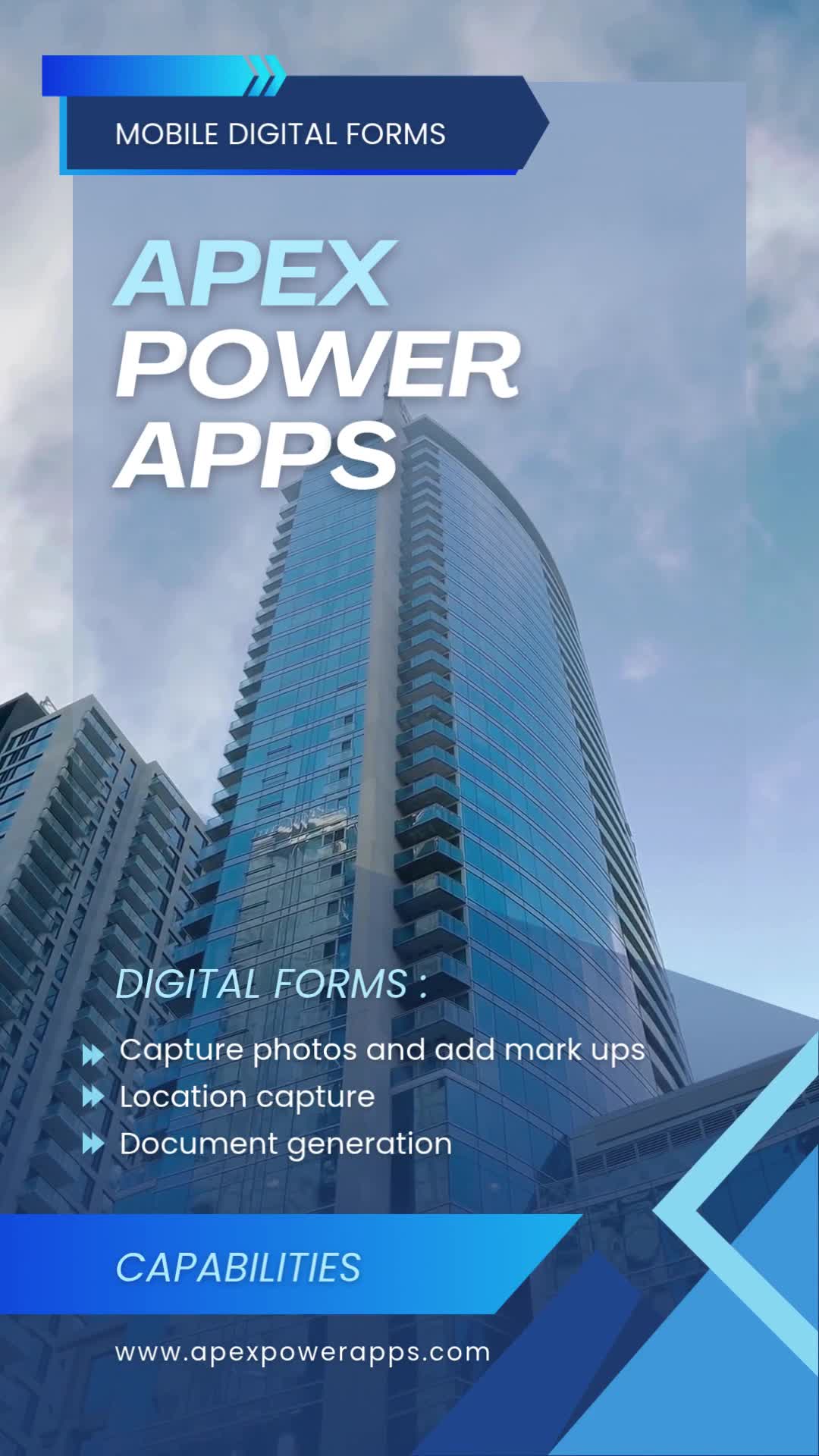
🔹Start your business journey towards having a paperless infrastructure.
.
📋Apex Power Apps – Digital Forms capabilities:
.
💫 Capture photos and add mark ups
.
💫 Use offline
.
💫 Submissions, generated forms and collected images can be viewed from a dashboard
.
💫 The word doc generated matches the exact version you need to present to the client
.
💫 Precise location capture in a Map Image
.
💫 Save multiple draft versions of your forms
.
💫 View PDF’s from directly within the app
.
💫 Swift turnaround
.
💫 Easily connects to other Microsoft apps at no extra cost!
.
.
📧 Romi.Heer@apexpowerapps.com
.
☎ 07375 889 831
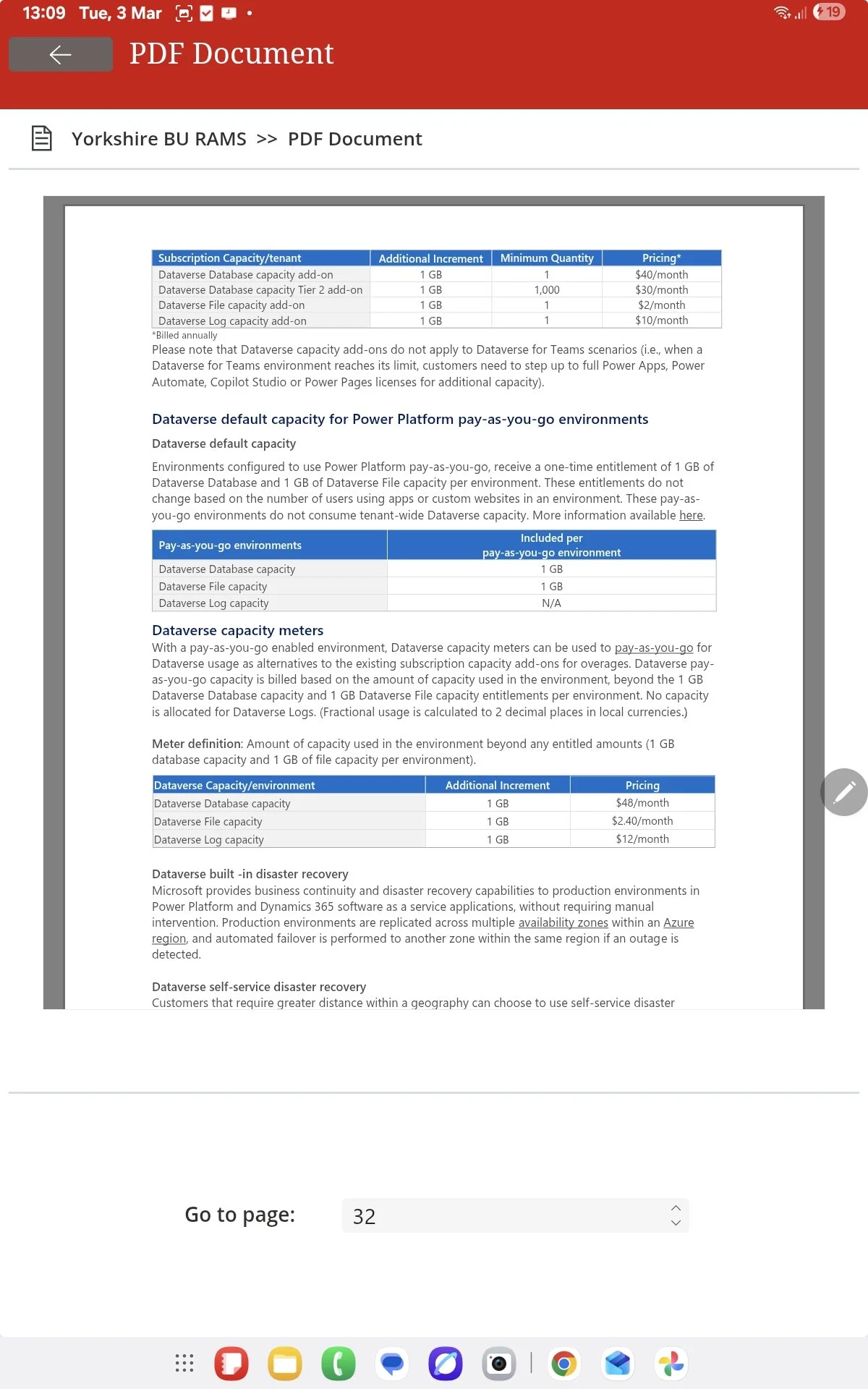
This clip demonstrates how Power Apps can clearly display any PDF files you have saved within your folders.
The PDF displayed will update automatically if another PDF is saved in it’s place.
Allowing field agents to view the most up to date documents.
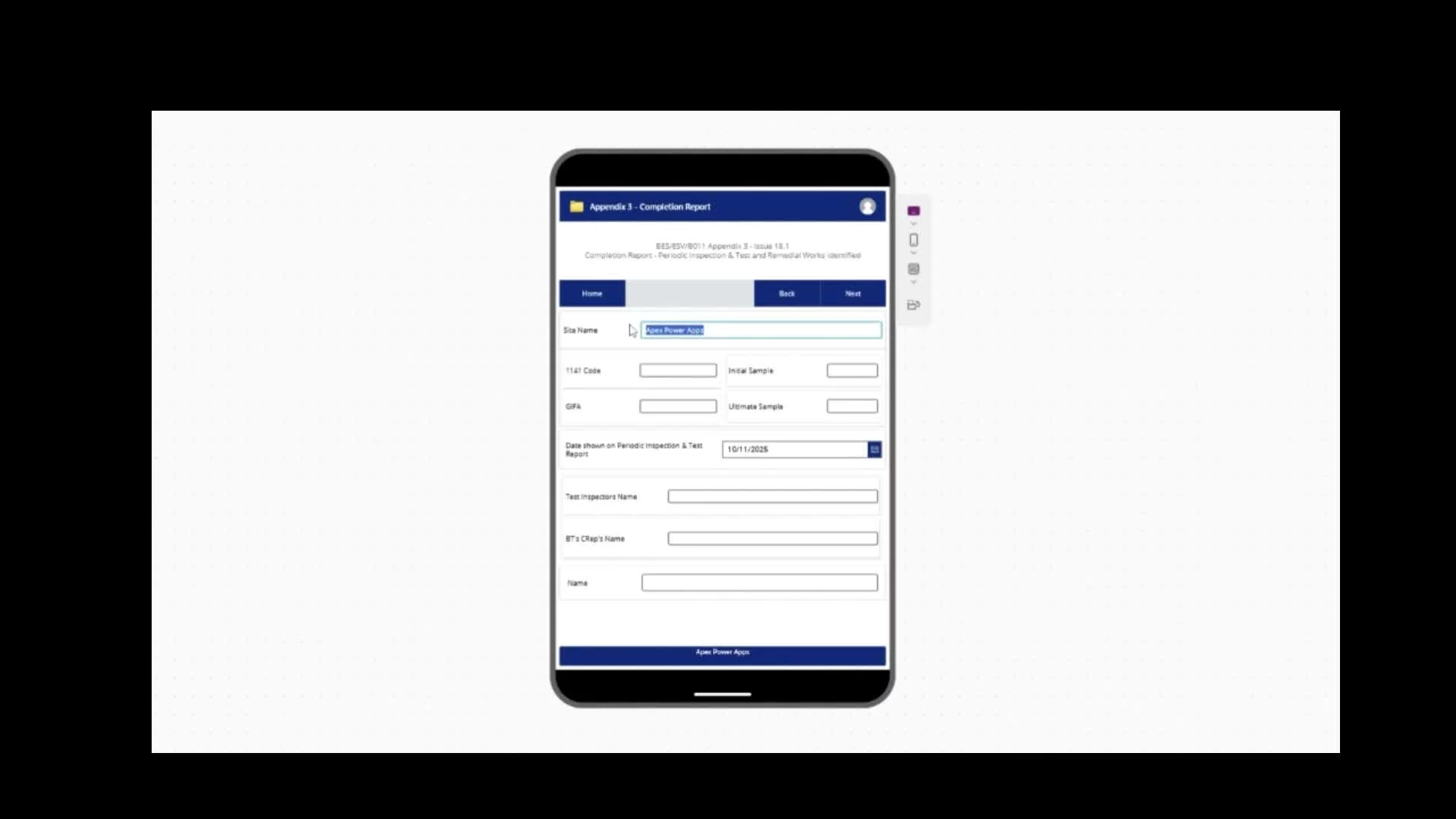
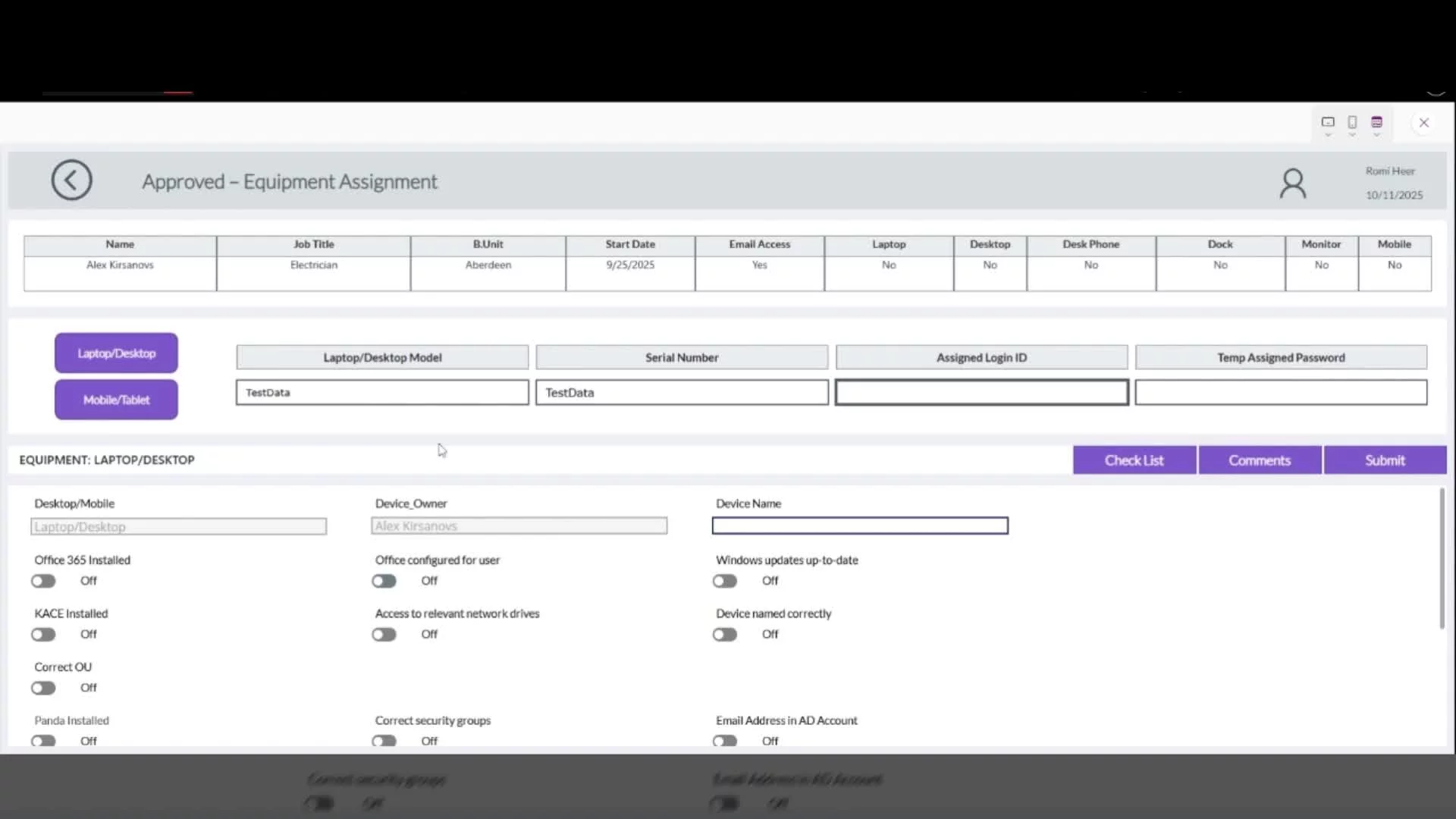
This Power App enables IT staff to record and manage the laptops and mobile devices assigned to new employees during the onboarding process.
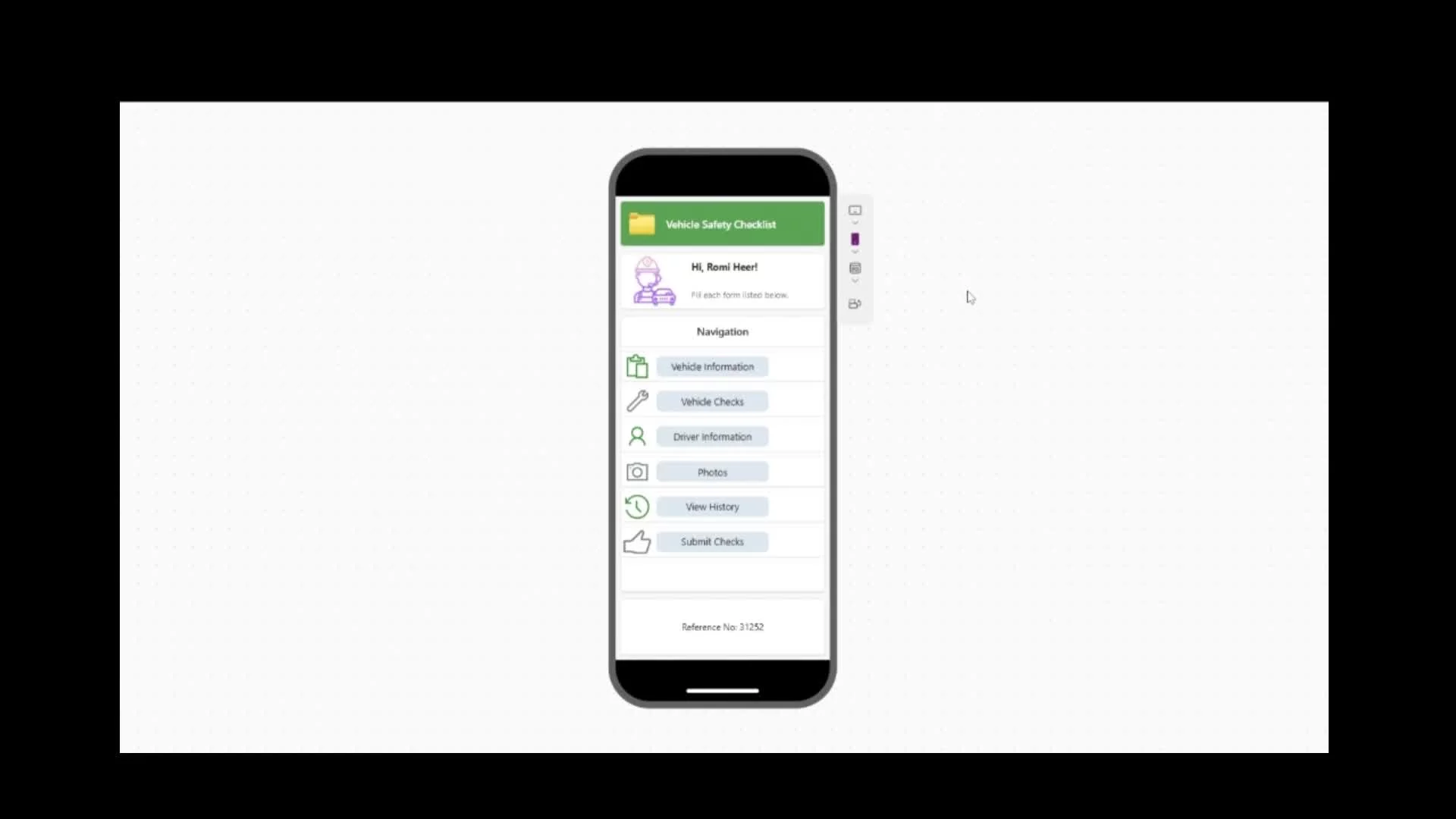
Mobile application with a user friendly interface, ensuring a smooth experience for first time users.
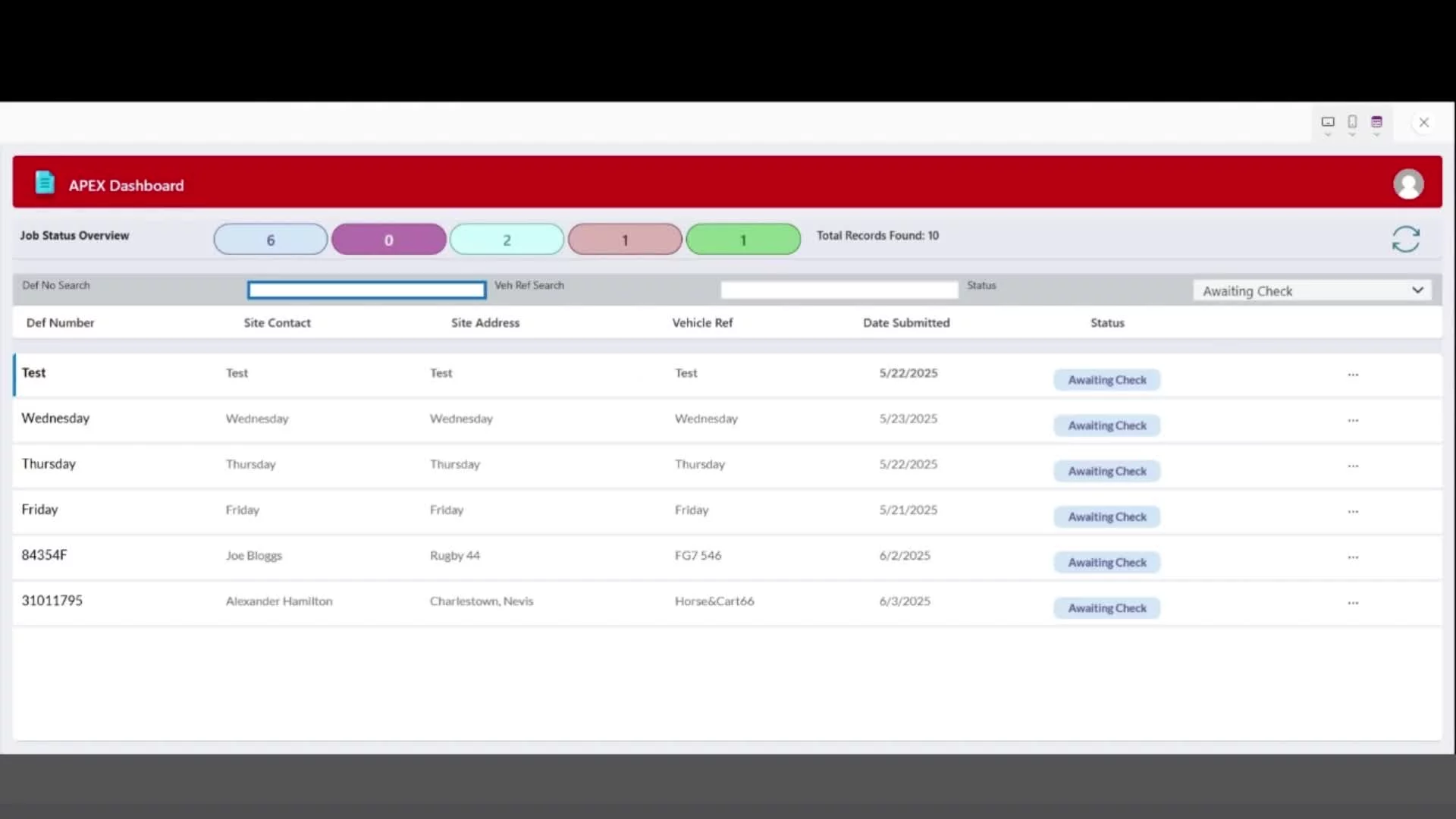
Dashboard displaying the status and details for each job, affiliated with this specific business unit.