Add an Image file onto a Word Doc
This cloud flow takes .jpeg attachments from a SharePoint list record and inserts them into a Word document template.
The flow encodes each image into a Base64 string and stores it in a JSON object. Using this structured data, the flow populates the Word document’s content controls with the corresponding images.
This enables automated, error-free document generation with embedded images, reducing manual effort and ensuring consistent formatting for reports or submissions.
This flow is also capable of placing images on top of another, useful for image mark ups.

Power Automate - Image File onto Word Doc - Screenshot 1
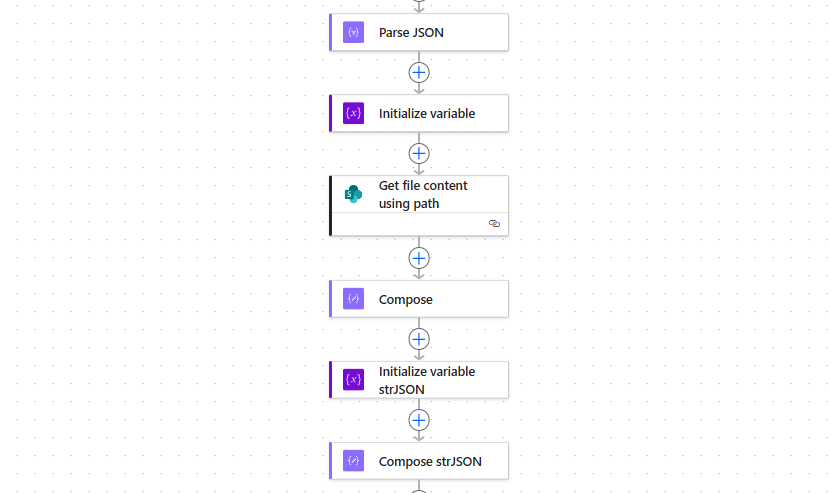
Power Automate - Image file onto Word Doc - Screenshot 2